Ruflo GitHub: Complete Guide to the Repository
Navigate the Ruflo GitHub repository: structure, contribution flow, issue triage and how to extend the platform.
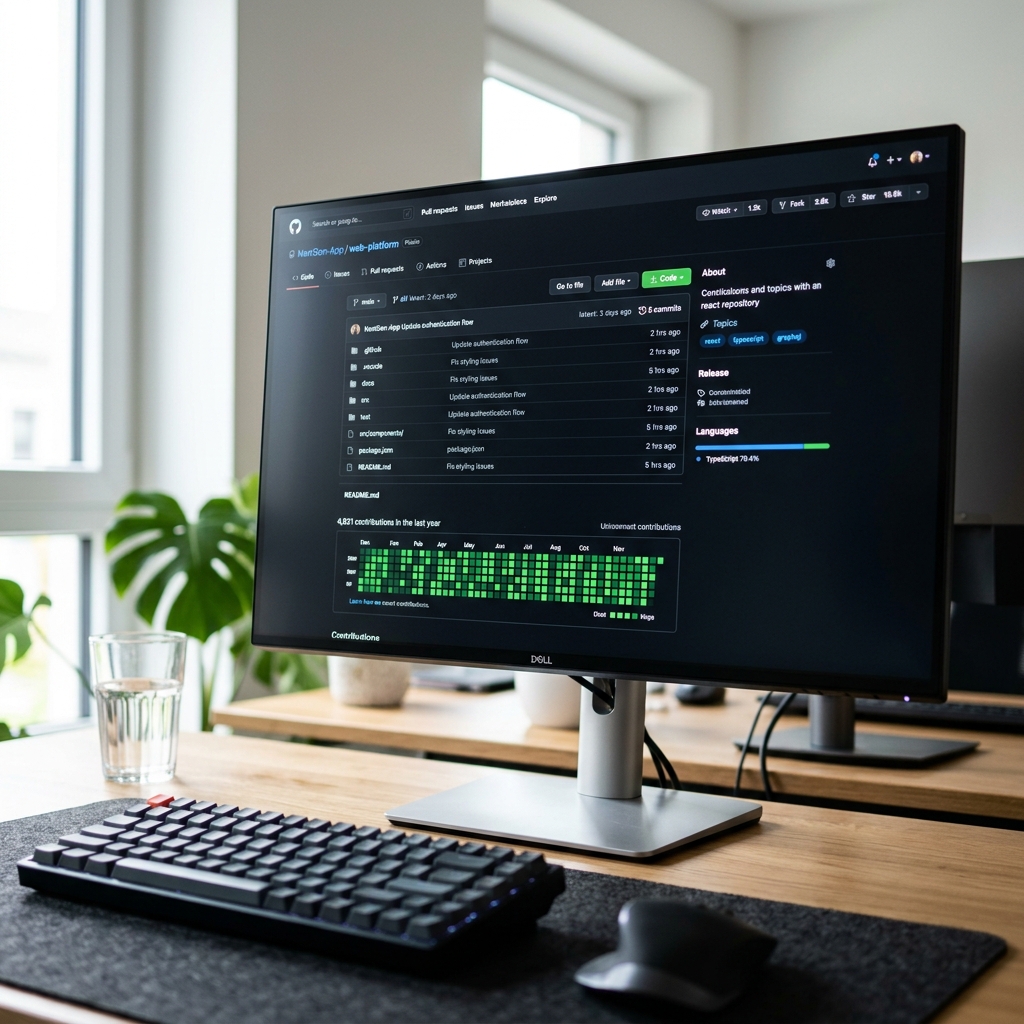
Empowering Developers through Open Source
At the core of Ruflo's philosophy is a deep commitment to the open-source software movement. We believe that agent orchestration and the operating systems of future artificial intelligence should not be locked behind proprietary cloud walls. By making Ruflo open source on GitHub, we empower developers, researchers, and enterprises around the world to build, inspect, self-host, and extend the platform, maintaining absolute control over their data, tools, and memory.
This commitment has fostered a highly active, passionate community of developers who continuously contribute to the codebase, report bugs, build new MCP tools, and design advanced agent topologies. This guide is a complete roadmap to the Ruflo GitHub repository, outlining the codebase structure, explaining the contribution guidelines, and showing you how to extend the platform for your own specialized workflows.
Navigating the Repository Architecture
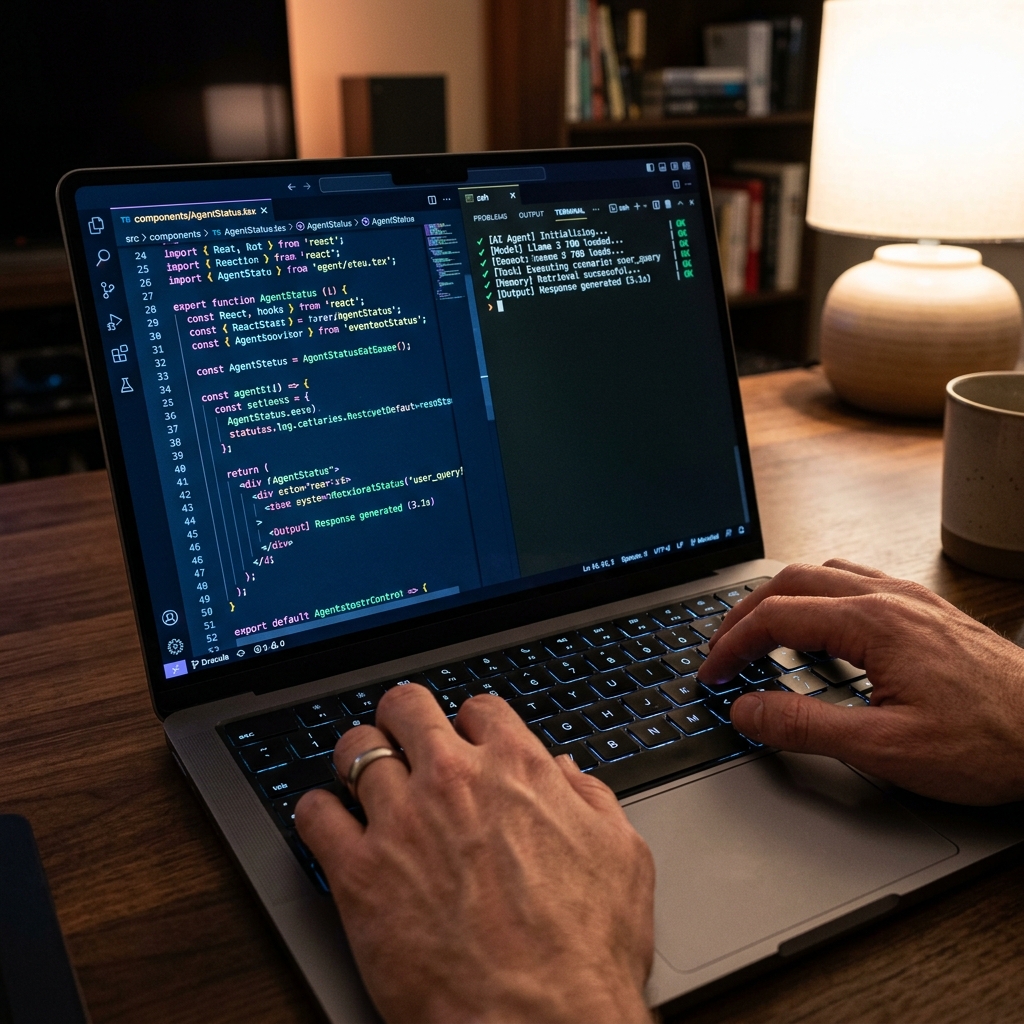
The Ruflo GitHub repository is structured as a modern monorepo using npm workspaces. This architecture makes it incredibly easy to manage dependencies, run local tests across packages, and extend individual modules. Let's explore the key packages within the workspace:
1. `/packages/core`: The brain of the platform. This module houses the core agent runtime, the execution scheduler, the shared memory engine (both transactional and vector databases), and the consensus evaluation algorithms. It is written in highly optimized TypeScript and is designed to run in any Node.js or Bun environment.
2. `/packages/cli`: The primary developer interface. This package contains the Ruflo CLI executable, managing commands like `ruflo init`, `ruflo swarm`, `ruflo mcp`, and `ruflo doctor`. It features beautiful, interactive terminal UI rendering to display active swarm paths and tool execution states.
3. `/packages/mcp-server`: The bridge to AI editors. This module implements the Model Context Protocol server, exposing the core tools, files, and memory channels to external clients like Claude Code, Cursor, or Windsurf over SSE and stdio transports.
Contribution Flow and Guidelines
We love contributions from the community, whether you are fixing a small typo in the docs, resolving a complex runtime bug, or submitting an entirely new MCP tool wrapper. To ensure your code is merged quickly, please follow our standardized contribution flow:
First, find an open issue on GitHub or open a new one to discuss your proposed feature or fix. The maintainers actively tag good-first-issues for developers looking to get started. Next, fork the repository, clone it locally, and create a new branch: `git checkout -b feature/my-cool-feature`.
Once you've made your changes, ensure that all local tests pass by running: `npm run test` in the monorepo root. Ensure your code is beautifully formatted: `npm run format`. Submit a Pull Request on GitHub with a clear, descriptive summary of your changes. The Ruflo CI pipeline will automatically run build checks, security linting, and unit tests, and a core maintainer will review your code for merging within 24 hours.
Frequently asked questions
No, Ruflo uses a standard Developer Certificate of Origin (DCO) to ensure contributions are open-source, requiring you to simply sign-off your commits (`git commit -s`).
Join our active developer community on Discord, or open a discussion thread on our GitHub Discussions tab where maintainers are happy to guide you.
Ruflo uses npm workspaces, exposing `/packages/core` for the engine, `/packages/cli` for the terminal client, and `/packages/mcp-server` for editor bridges.
Yes! We welcome contributions of standardized tool definitions. Simply submit a PR to the `/packages/mcp-server/tools` folder.
We use Vitest for quick, concurrent unit testing and TS-Node for local integration diagnostic suites.
Clone the repo, run `npm install` at the root, and execute `npm run dev` to launch the local live compiler and watcher environments.